Look at a receipt you photographed
Every slip you have photographed, kept for good and in one place — months later, without hunting through your expenses for the row it came off.
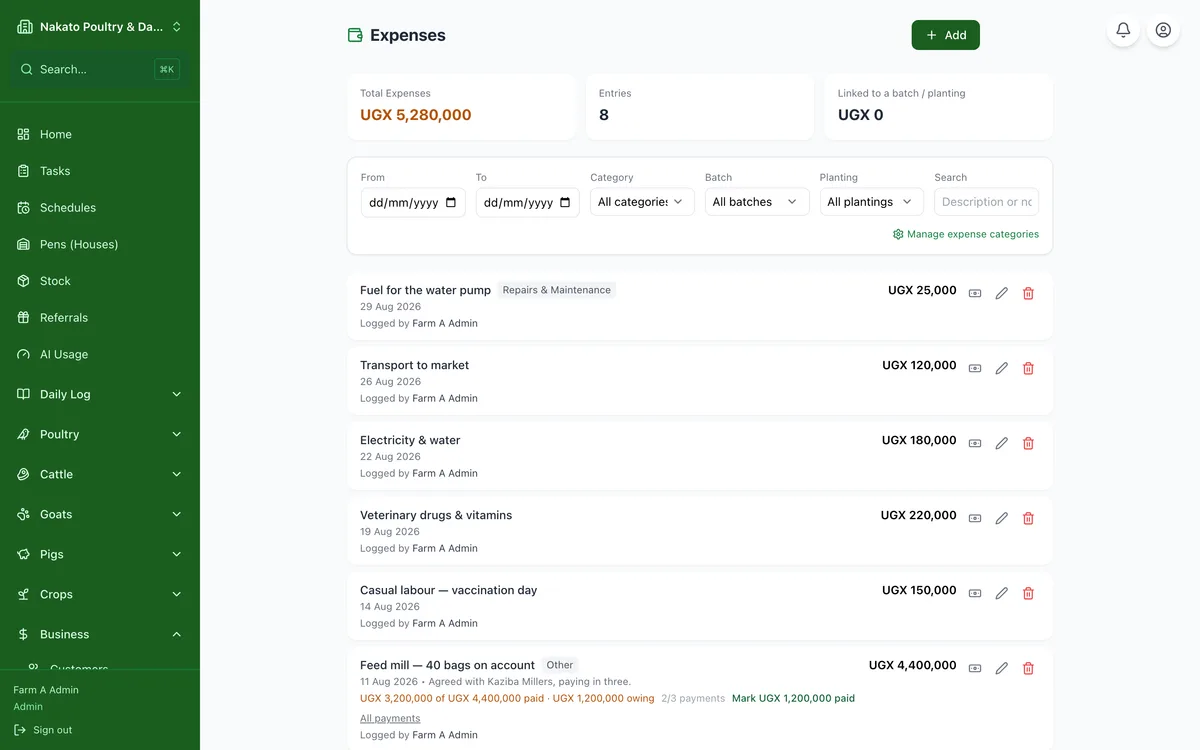
- Open Business → Receipts.
- Narrow it down by date, category, batch or planting if the shelf is long.
- Tap a receipt to see the full picture, and the arrows to move through the rest.
- A receipt you split into several items shows once, with everything that was on it.