Track what is in the store
Feed, sprays, drugs and packaging in one store. Buying adds to it, feeding and spraying take from it, and counting keeps it honest.
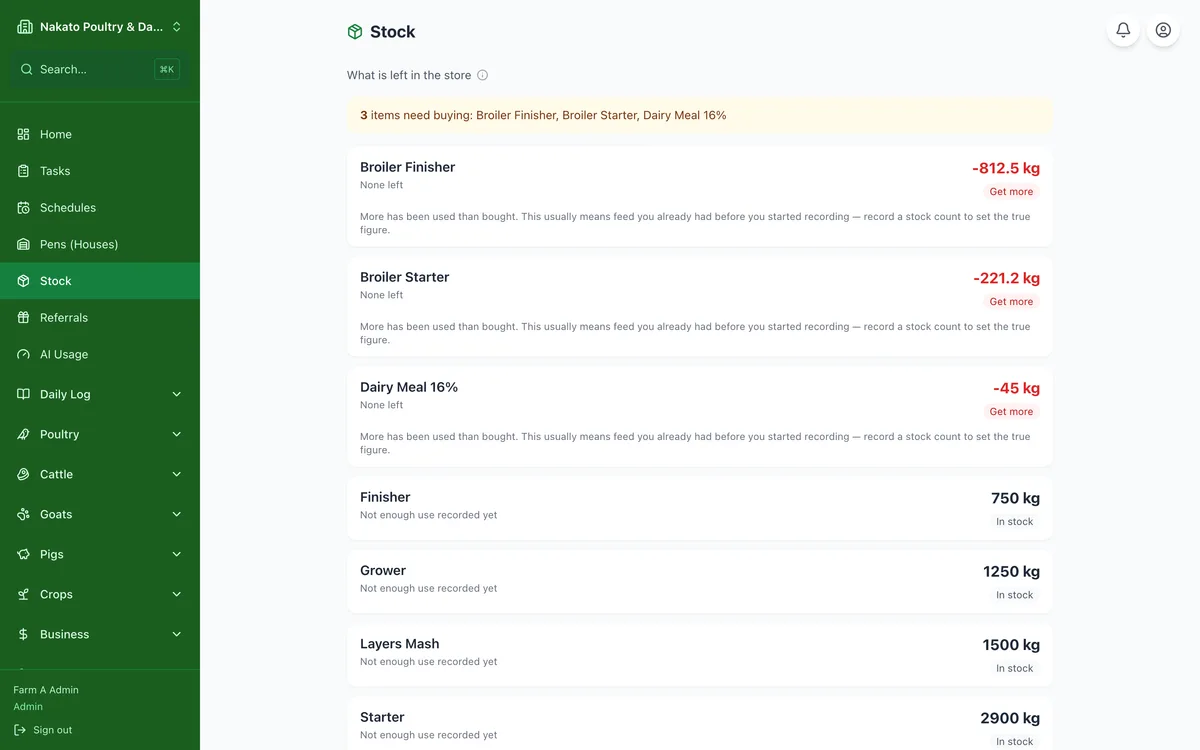
- Open Stock. Feed appears on its own once you record a feed purchase, and goes down as you record feeding.
- For anything else, tap Add an item and pick what it is: a spray or fertiliser, a drug or vaccine, supplies, or packaging.
- For a spray, pick it from your Input Library so the name matches the one you record sprays under.
- Choose what it is counted in, enter how much is on the shelf today, and the date you counted it.
- Set Warn me below if you want a reminder before it runs out, then tap Add to the store.
- When more arrives, open the item and tap Record stock received. Put what you paid in Expenses.
- Do a count when you can with Count the store, and Famu keeps the difference.