Record a harvest
What came off the piece, in kilograms, round by round.
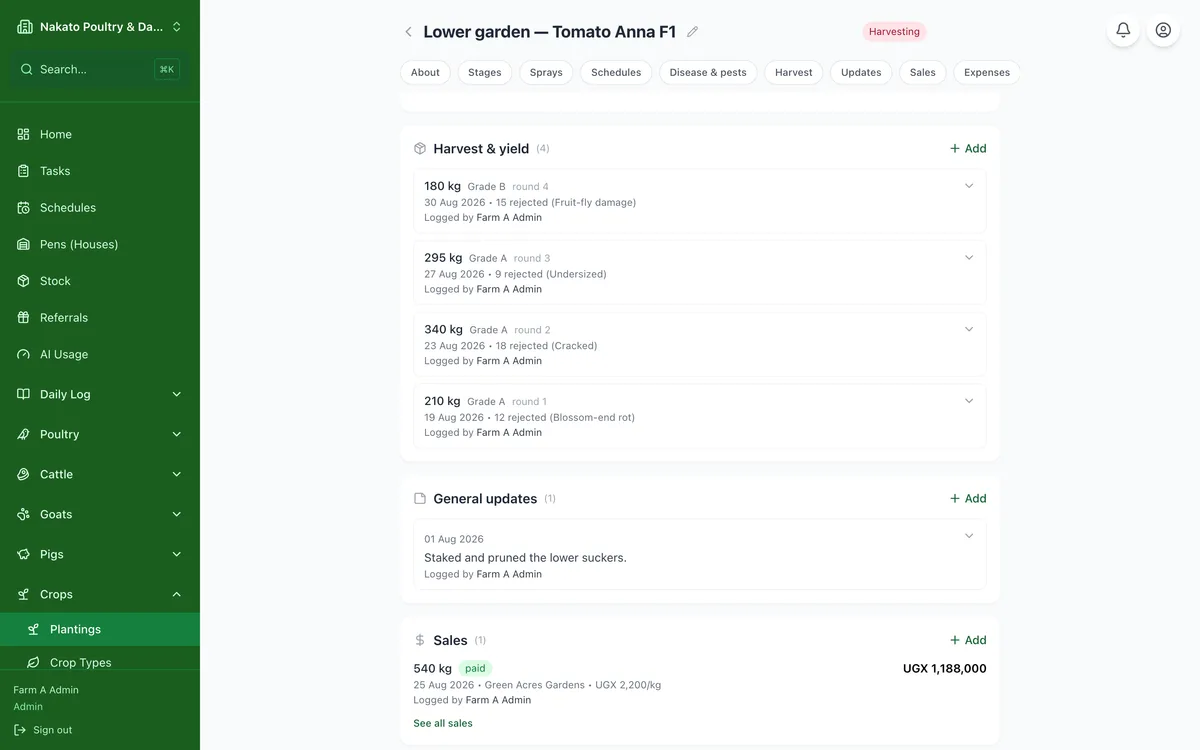
- Open the planting from Crops → Plantings.
- Go to Harvest & yield and tap Add.
- Enter the date and the kilograms.
- Sold it there and then? Tick Sold this harvest, pick the buyer and enter the price — the sale is saved under Sales too.
- Otherwise sell it later from the planting's Sales section when a buyer takes it.