Record a payment to a worker
Wages, advances and bonuses, kept per worker, tagged to the enterprise they were for, and counted as one expense.
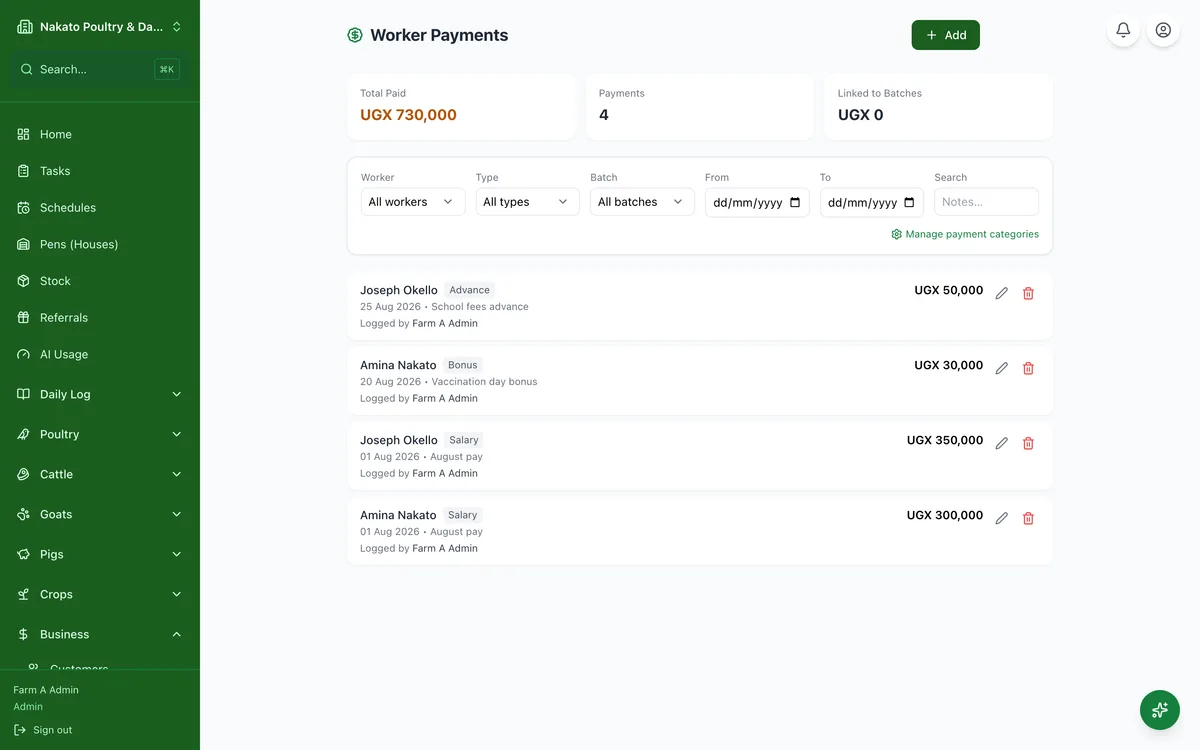
- Open Business → Workers → Payments and tap Add — or tap Pay a worker on the enterprise's own page (a herd, Plantings, Poultry) to have it tagged already.
- Pick the worker, then enter the TOTAL you are paying them, the date and what kind of payment it is.
- Paying for days worked? Enter the days — the worker's day rate is already filled in — and the total works itself out. Type the total instead and Famu works out the rate.
- Keeping some back as savings, or taking some off for an item you bought them? Fill in Kept as savings, or tick Deduct for the item. Famu shows the cash left to hand over — the parts can never add up to more than the total.
- Say which enterprise the wage was for and, if you like, which planting, batch or animal.
- The whole total counts as one expense — the savings and the item repayment are part of it, not extra.