Work out and pay a period's wages
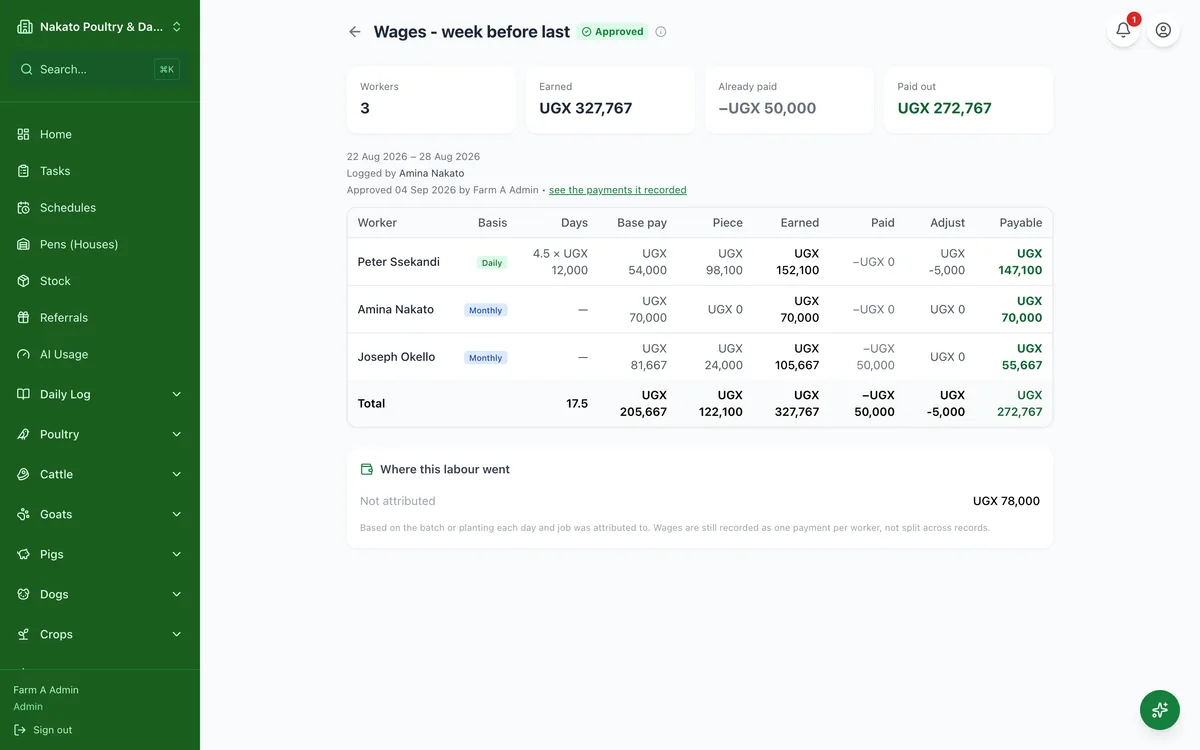
What each worker earned over a week or a month, less what they have already been handed, and what is left to pay.
- Open Business → Attendance & Payroll and switch to the Pay runs tab.
- Tap New run.
- Pick the period — this week, last month, or your own dates.
- Check what Famu worked out, then create the draft.
- Go through the payslips; use Adjust for a deduction or a bonus.
- Tap Approve & pay — that records a worker payment for each person, and the run is then final.