Keep a task list
Jobs with a date and an owner, tied to an enterprise or one plantation, batch or animal. Overdue ones become an alert.
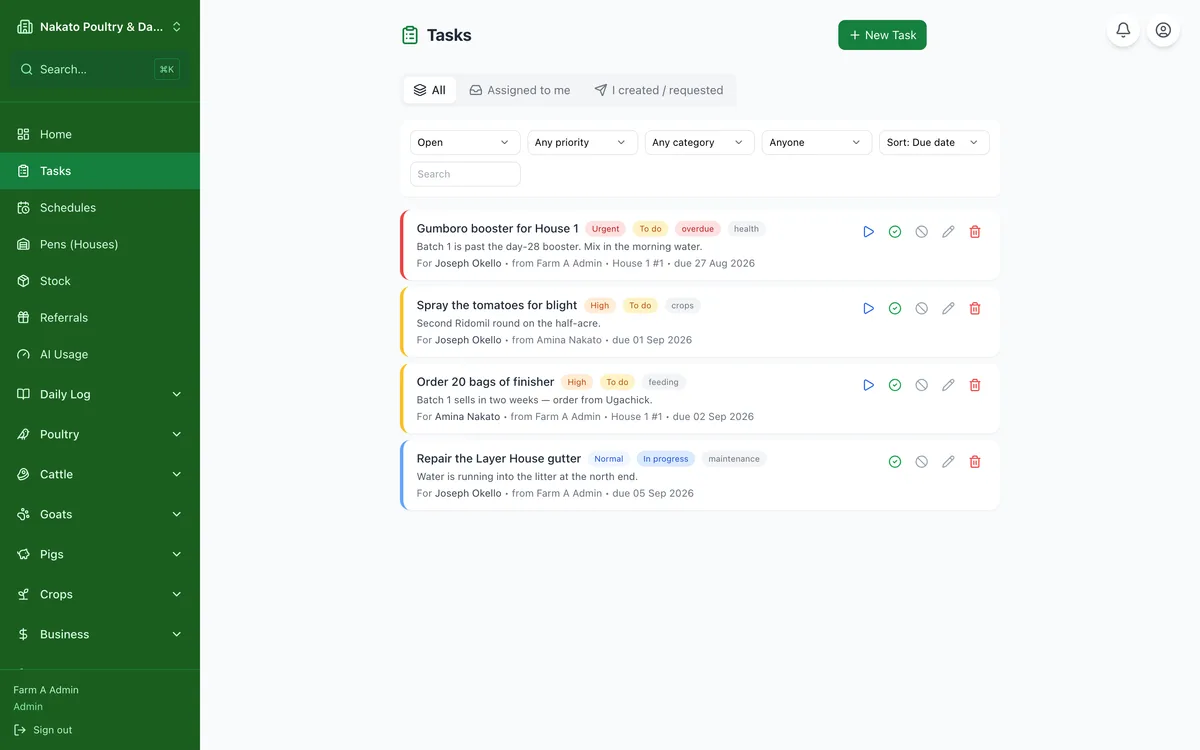
- Open Tasks.
- Tap New Task, write what needs doing and when.
- Assign it to whoever will do it.
- Under Enterprise, pick what it is for — Crops, Poultry, Cattle… — then, if it is for one in particular, which plantation, batch or animal.
- It shows on that enterprise's page and on that plantation, batch or animal's own page — or tap New in the Tasks section there to add one already linked.
- It shows on their home page and nags when it goes overdue.