Keep an input library
Your products entered once — name, active ingredient, rate, price — so a spray log is three taps.
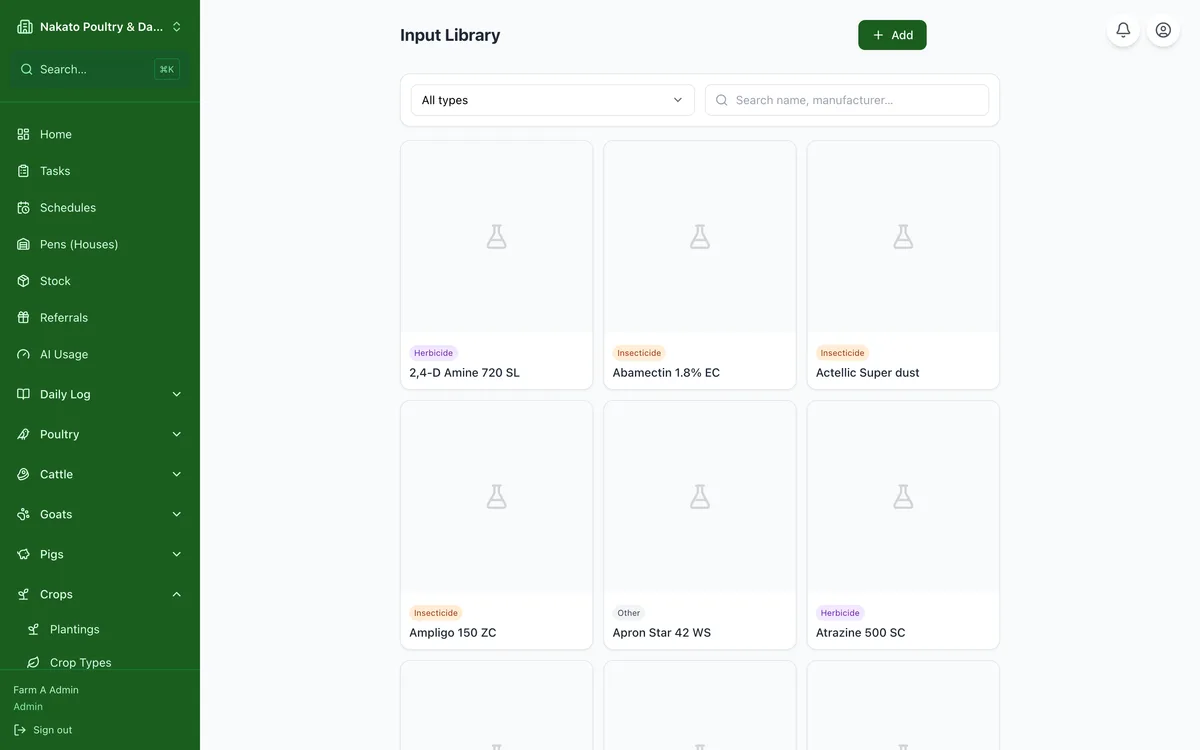
- Open Crops → Input Library.
- Tap Add input.
- Enter the product name, what kind it is, and its rate per acre.
- Or photograph the label and let Famu read it for you.
- Use the three small buttons above the list to switch between picture cards, compact rows and a table — the table shows the pre-harvest and re-entry intervals side by side. Famu remembers which one you like.
- To clear one out, tap the red bin on its card. To clear several, tap Select, tick the cards, then Delete.
- A deleted product only leaves the picker — the sprays you already recorded with it keep their record.