Decide who can see what
Roles are yours to shape. Every page and every button is a tick box, so a worker can record feeding without seeing what feed costs.
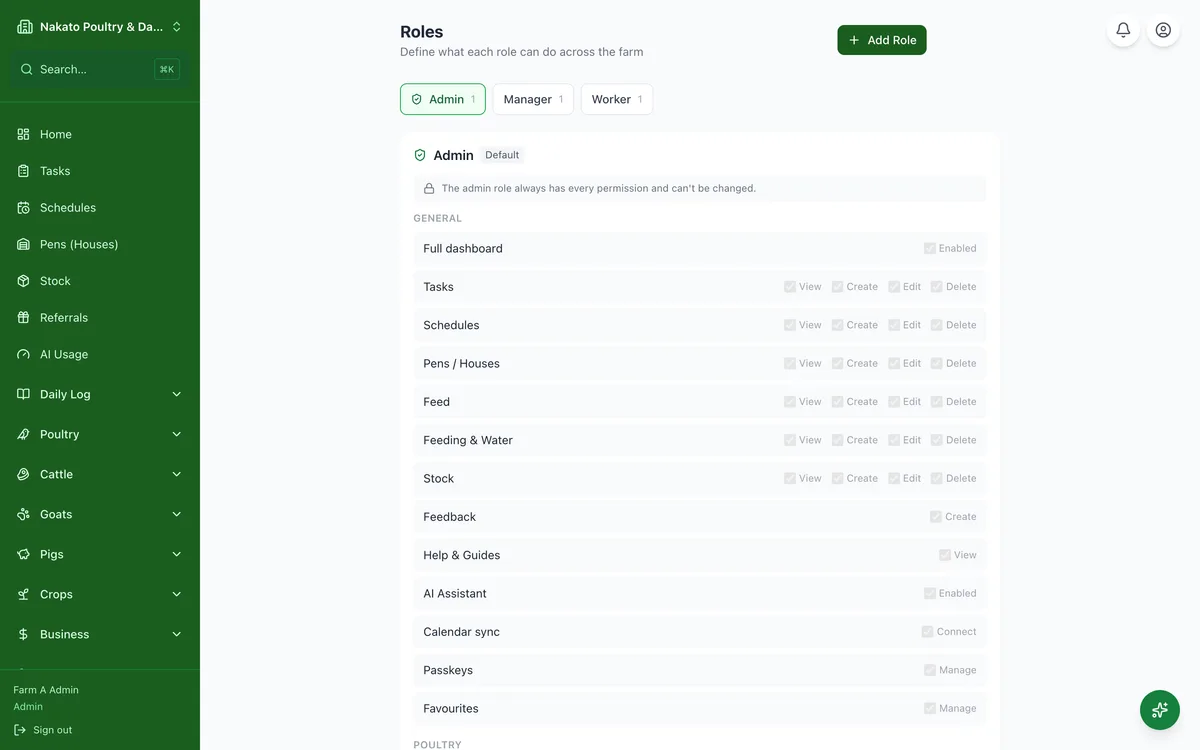
- Open Users & Roles and tap the Roles tab.
- Pick a role, or create one of your own.
- Tick what that role may read, add, change and delete.
- Anyone with that role sees the change next time they open the app.