Import a whole workbook, or a Google Sheet
Hand over a spreadsheet with many tabs, or a Google Sheets link — Famu sorts each tab into the right records.
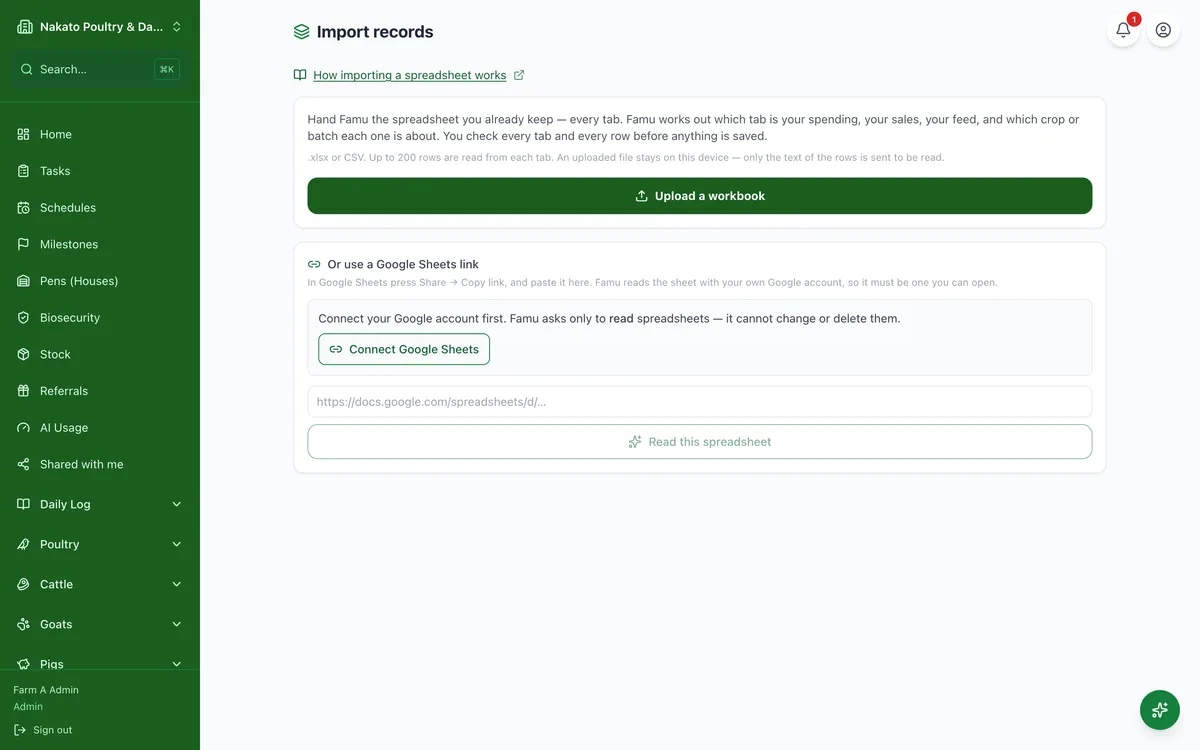
- Open Import Records.
- Upload your workbook, or paste a Google Sheets link (connect Google Sheets the first time).
- Check where Famu put each tab — which book, and which crop or batch — and fix any that are wrong.
- Tap Read, check the rows on each tab, then Save.