Keep part of a worker's pay as savings
Hold back some of a worker's pay at their request, see what you are holding, and pay it out when they ask.
- Record the payment as usual on Business → Workers → Payments, with the total you are paying them.
- Enter the part the farm is keeping under Kept as savings — the cash to hand over goes down by that much.
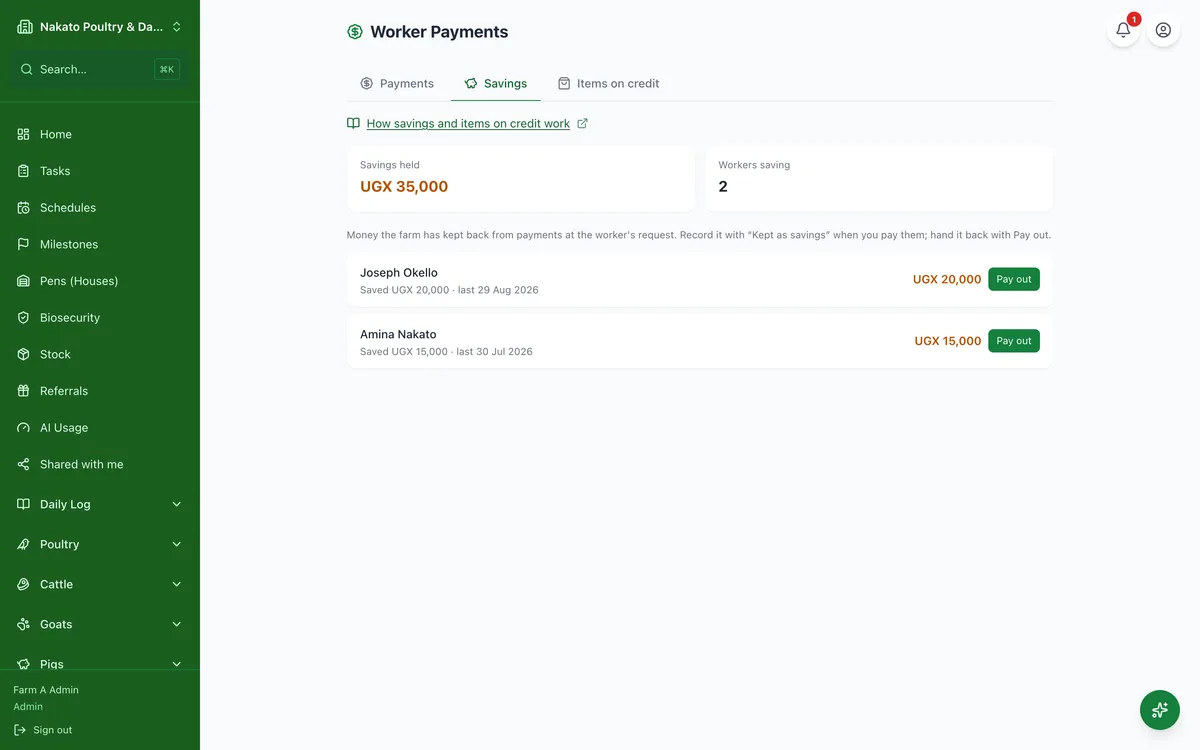
- The Savings tab shows what the farm is holding for each worker.
- When they want it, tap Pay out — all of it or part. Famu never lets you pay out more than is held.
- They can also use their savings to pay back an item bought for them: open the item, tap Record repayment and choose From savings.
- Paying savings out is not a new expense: they were counted when you paid the wage. A farm that books it the other way can switch that in Settings → Farm.