Record what you spent
Everything that leaves the farm — transport, drugs, labour, airtime — tagged to its enterprise and its batch, planting or animal.
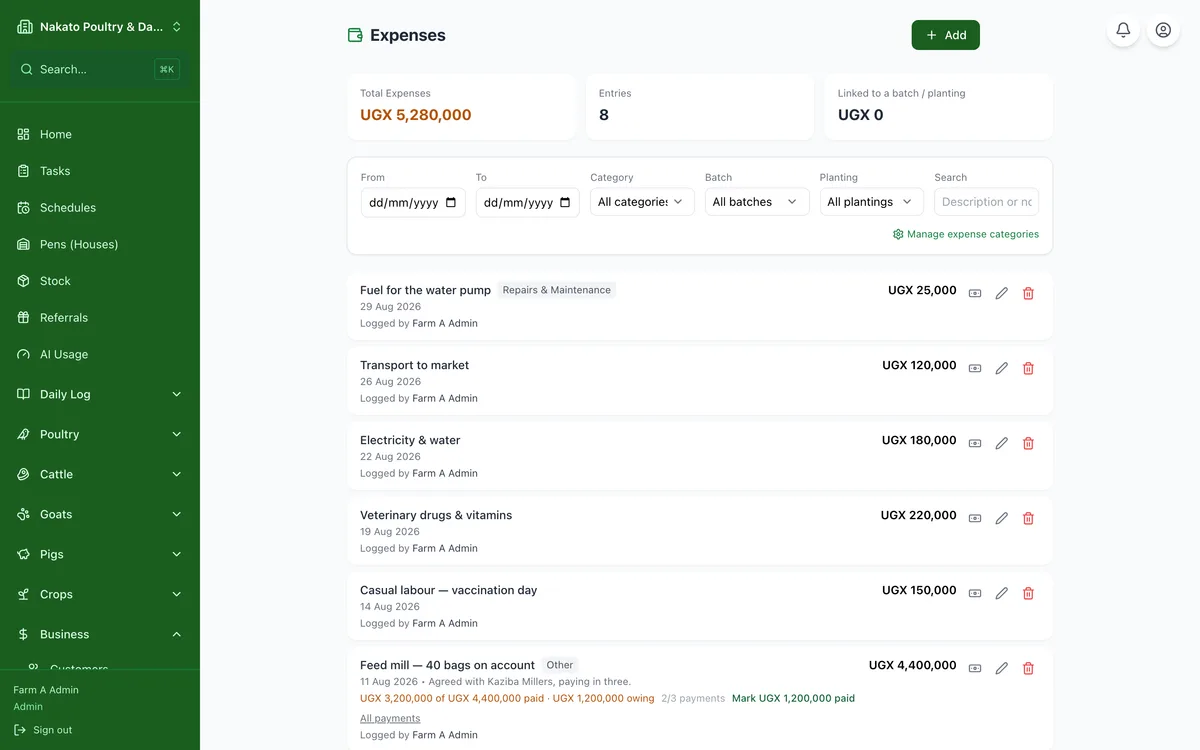
- Open Business → Expenses and tap Add expense.
- Enter the amount, the date and what it was for.
- Bought several of something? Fill the quantity and unit price and the amount works itself out — or type the total and Famu works out the price for one.
- Pick a category so your reports group it sensibly.
- Say which enterprise it was for — pigs, the dairy, crops — and, if it was for one of them, which batch, planting or animal. Recording it from that enterprise's own page (the herd, Plantings, Poultry) tags it for you.
- Attach a photo of the receipt if you have one — it is kept under Business → Receipts.
- On Expenses, the Enterprise filter shows what each enterprise has cost, or only the spending tagged to none.