Record a sale
What you sold, to whom, and whether they actually paid.
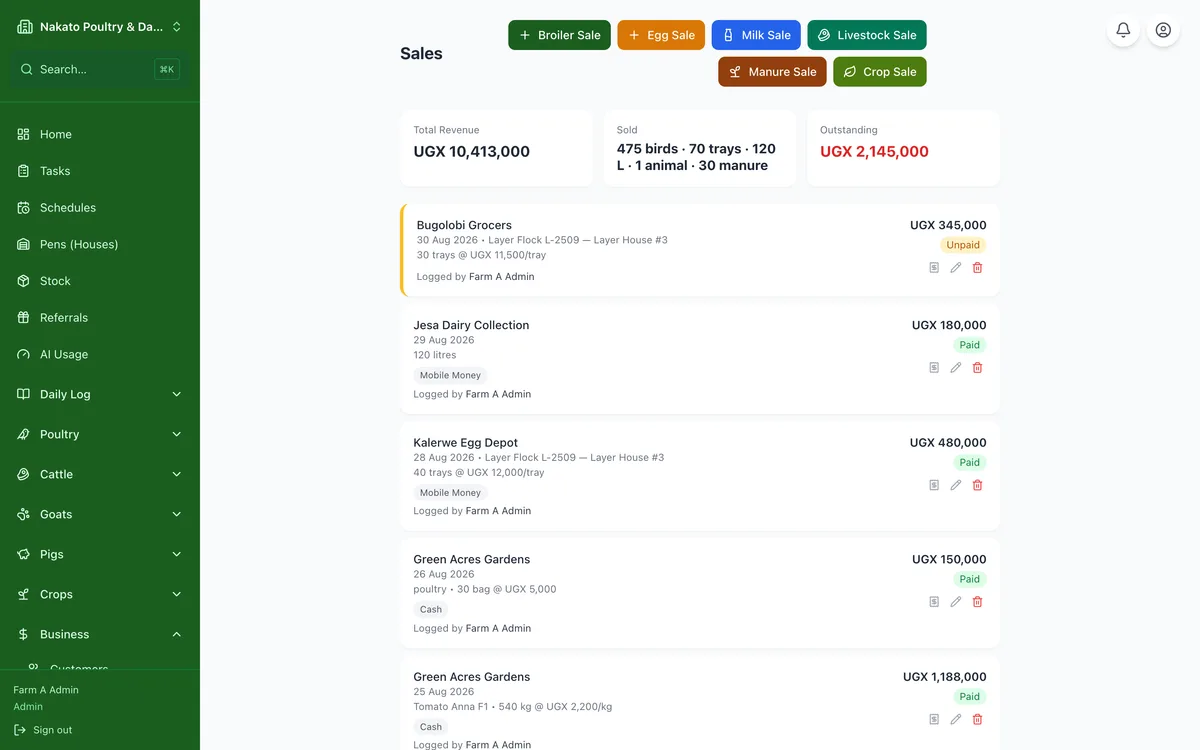
- Open Business → Sales and tap Add sale.
- Pick the customer, or add them as you go.
- Say what you sold — birds, eggs, milk, produce — and how much.
- Enter the price and the total fills in. If you only know what the buyer paid in all, type the total and Famu works out the price.
- Leave "Paid" switched off if they have not paid yet; Famu keeps the debt for you.